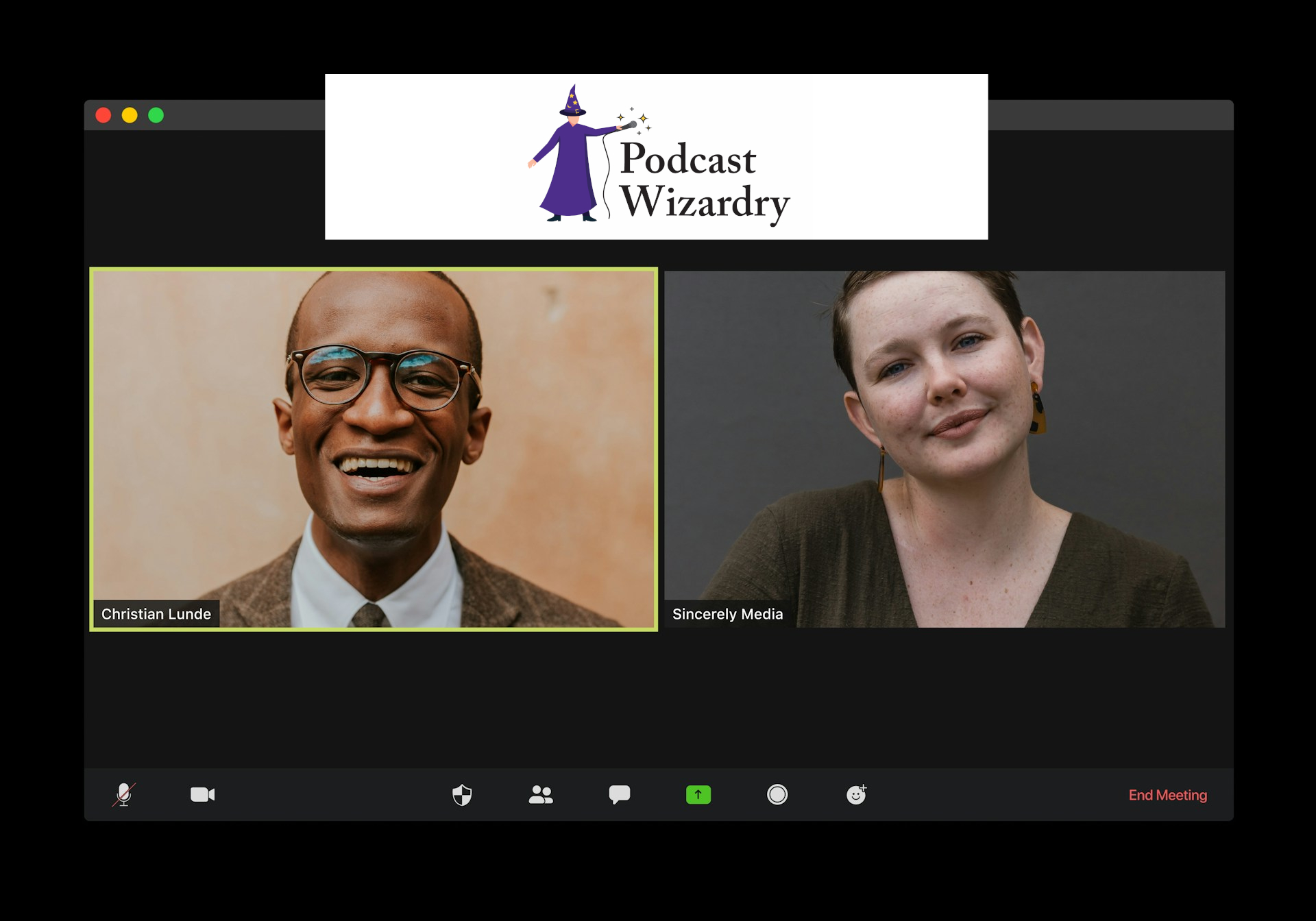
Remote recording has become the default for most podcasts. Co-hosts in different cities, guests who can’t travel, producers working across time zones, the logistics of getting everyone in the same room rarely make sense anymore. What does make sense is building a remote recording setup that gives your editor clean, separate tracks, reliable sync, and as few surprises as possible.
The Remote Recording Setup Guide is what you need to know before you hit Record.
Choose Your Recording Platform First
The platform you use for remote recording determines almost everything else in your workflow, so get this decision right before you invest time in anything else.
The platforms worth knowing are Zencastr, Riverside, SquadCast (now integrated with Descript), Streamyard, SonoBus, and Clean Feed. Adobe Podcast also now offers remote recording. Even Zoom works for a lot of people, though with limitations on audio quality.
The most important feature to look for in any remote recording platform is local recording, meaning each participant’s audio is recorded directly on their own device rather than captured from the call. This matters for two reasons. First, you get clean, uncompressed audio from each participant on a separate track, which makes editing dramatically easier. Second, a network hiccup during the call does not ruin the recording. If the connection drops for thirty seconds, the local recording keeps running. The participants can keep talking, and the editor can simply remove the confusion afterward.
Zencastr and Riverside are the two most commonly recommended platforms for this reason. Both record locally on each participant’s device and upload the files to the cloud during or after the session. Zencastr is particularly well regarded for stability and simplicity. Riverside is feature-rich, arguably too feature-rich for some users, but gets strong results for shows that want video as well as audio.
If budget is a constraint, SonoBus is a free, open-source option that handles local recording well. Clean Feed is audio-only and works cleanly for interview-style shows that do not need video. Restream, better known as a multistreaming tool, also records reliably and is worth considering if you are already using it for other purposes.
One practical note on Zencastr: make sure your guests do not leave the session immediately after recording wraps. Zencastr uploads the HD recording file while the session is running, and guests who drop off before the upload finishes may leave you with an incomplete file. Build a brief post-recording buffer into your session and tell guests to wait for your signal before closing the browser.
If You Are Not Using a Platform: The Double-Ender
Not every remote recording situation calls for a dedicated platform. If all participants have their own microphone and interface setup and are comfortable recording locally, the double-ender method is worth serious consideration.
In a double-ender, each participant records their own audio locally using whatever DAW or recording software they prefer: Audacity, GarageBand, Reaper, or anything else, while communicating via a separate call on Zoom, Discord, or even a regular phone call. After the session, each participant sends their local recording to the editor. The editor then syncs the tracks and edits from there.
The audio quality from a double-ender is typically excellent, because each track is recorded clean without any internet compression. The tradeoff is that the editor has to sync the tracks manually, and clock drift, the gradual, tiny timing difference between two different recording devices over a long session, means that tracks that started in sync may drift slightly out of alignment by the end.
Both of these issues are solved with one simple technique: have everyone clap at the same moment at the start of the recording. A simultaneous clap creates a sharp, visible spike in every track’s waveform, giving the editor an instant sync point. For longer sessions, a brief sync clap every thirty to forty-five minutes keeps drift manageable.
A Few Workflow Tips That Save Time in the Edit
Whether you are using a platform or doing a double-ender, a few habits on the recording side will save your editor significant time.
Refer to my prior blog: Be A Good Podcast Guest.
It includes a handy download for your guests.
Ask participants to use headphones. Every time. Headphones prevent the host’s audio from bleeding into the guest’s microphone and eliminate the echo and feedback problems that can make a track unusable. This is non-negotiable regardless of how good the participant’s microphone is.
Ask participants to record in a quiet space with a closed door. Background noise is far easier to prevent than to remove in post. A quick pre-session checklist sent to guests (headphones, quiet room, closed door, phone silenced, mic tested) catches most problems before they become editing headaches.
Always run a backup. If you are recording on a platform, also run a local backup recording on at least one device. If you are doing a double-ender, encourage participants to use a secondary device as a failsafe. Redundancy in recording is never overkill.
Download your files immediately after the session ends. Cloud platforms have retention limits, and the sooner you have the files locally, the less you are depending on someone else’s servers.
The Short Version
Use a platform that records locally on separate tracks. Zencastr and Riverside are the most reliable options. If you are going platform-free, use the double-ender method with a sync clap. Require headphones. Back everything up. Download your files before you do anything else.
Remote recording does not have to be complicated. Set it up right once and the same workflow carries you through every episode.
Contact The Podcast Wizard
Need a little more guidance? That’s what Podcast Wizardry is here for. Send me a DM on the Podcast Wizardry LinkedIn page (fastest) or via my Contact Us page. I’m happy to help you make the most of your production.