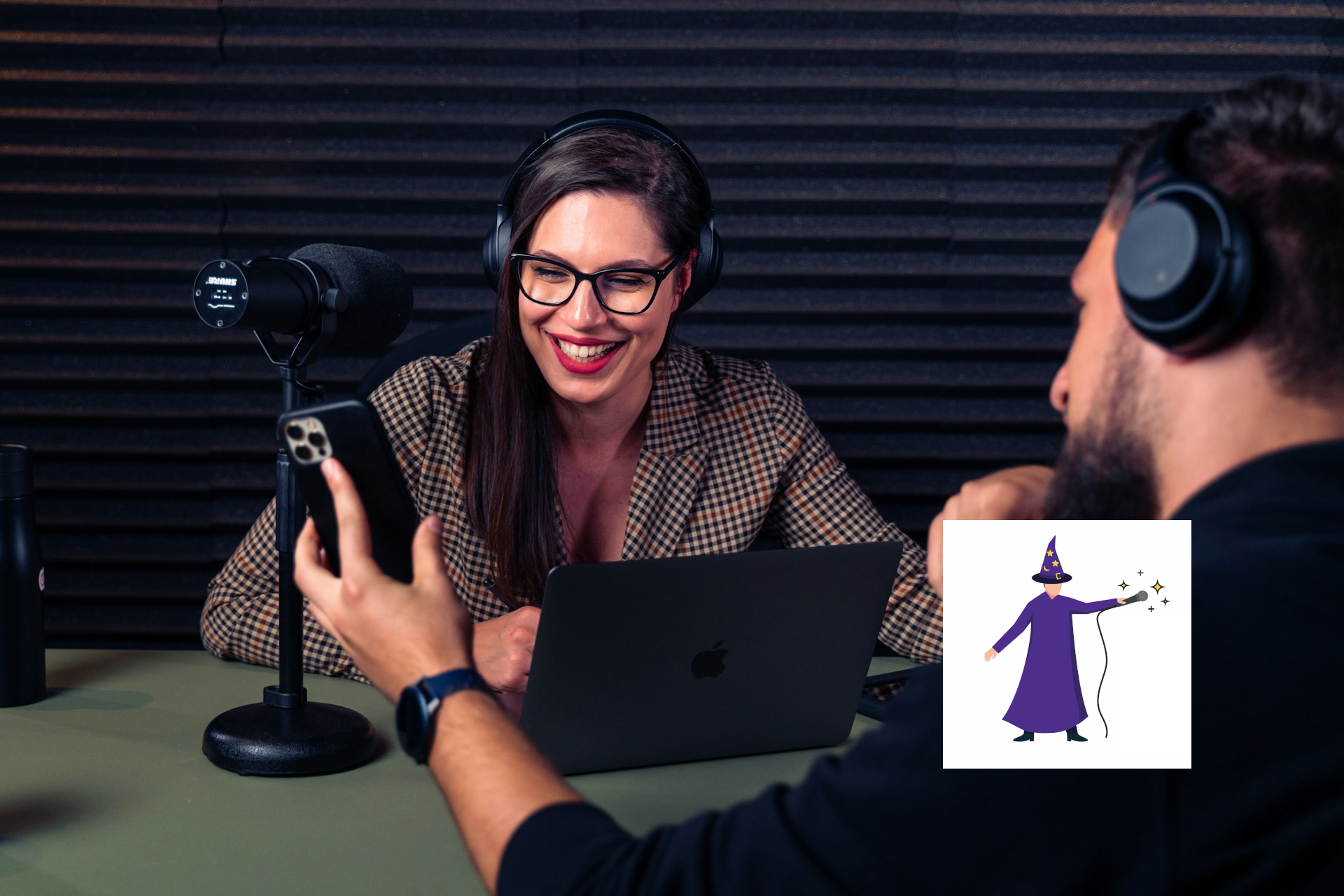
Here is a situation that happens more often than it should. Two people decide to start a podcast together. One of them buys a USB microphone because it is easy and plug-and-play. The other buys an XLR microphone because they heard XLR is better. They sit down to record their first episode and discover that getting two microphones into one computer, on two separate tracks, with synchronized audio, is not as simple as plugging both in and pressing record.
Everything they bought works fine on its own. None of it works well together.
This is the problem with how most new podcasters approach gear: they think about microphones first and signal chain second. The microphone is the visible, exciting purchase. The signal chain, how audio gets from the mic into the computer in a usable form, is the part that actually determines whether any of it functions.
Before you buy anything, understand the chain.
USB and XLR Do Not Play Well Together
A USB microphone is a self-contained recording device. It has its own analog-to-digital converter built in, and it connects directly to a computer as its own audio interface. An XLR microphone is a transducer only. It captures sound and passes an analog signal through a cable, which then needs an external interface or recorder to convert it to digital before the computer can do anything with it.
When you try to run a USB mic and an XLR mic into the same recording session, you are dealing with two separate audio clocks. Each device is converting analog to digital at its own rate, and those rates drift over time. A short recording might be fine. A forty-five minute conversation will have the two tracks noticeably out of sync by the end, and there is no clean fix in post.
The practical answer is to standardize. Two USB mics into two separate computers, recorded separately and synced in editing, can work (see the remote recording playbook). Two XLR mics into one interface or recorder is the cleaner in-room solution. Mixing the two types into a single in-room setup creates problems that are much easier to prevent than to fix.
Separate Tracks Are Not Optional
The other thing that catches new co-hosted shows off guard is the assumption that recording both hosts into one mixed file is fine. It is not fine, and it is the kind of decision that looks harmless until you are in the edit.
When two voices are recorded to a single mixed track, you cannot adjust them independently. If one host is louder, speaks faster, sits closer to the mic, or has a cough at the wrong moment, you are stuck with all of it. You cannot lower one voice without lowering the other. You cannot clean up one track without affecting both.
Record every mic on its own separate track. This is one of the few rules in podcasting production with essentially no exceptions. Most recording software supports it. Most new podcasters leave it turned off because no one told them to turn it on.
The Interface-or-Recorder Question
For two people recording in the same room, you have two main options for getting XLR audio into your computer: an audio interface or a dedicated podcast recorder.
An audio interface (something like a Focusrite Scarlett 2i2 or a MOTU M2) plugs into your computer via USB and gives you two XLR inputs, each on its own track. It is the standard choice for home recording setups and works with any DAW: Audacity, GarageBand, Reaper, whatever you prefer. The learning curve is minimal.
A podcast-specific recorder like the Zoom PodTrak P4 is a standalone device that records each mic to its own track on an SD card. It does not require a computer to record, which eliminates a variable. Some podcasters find the standalone workflow cleaner, particularly if the computer is also running camera software or other applications that compete for resources.
Either approach works. The decision mostly comes down to whether you want to record into a DAW on a computer or handle recording separately from editing.
Before You Buy The Mics
If you are inheriting a setup that already includes a USB mic and an XLR mic and you cannot replace one of them, the least painful workaround is to record each to a separate device: the USB mic into a laptop, the XLR mic through an interface into the same or another computer, and sync the tracks in editing using a clap at the top of the recording. It is not elegant, but it produces separate tracks and avoids the clock drift problem.
The cleaner long-term solution is two mics of the same type, into one device, on separate tracks. That is the foundation everything else is built on. Figure that out before you figure out anything else.
Contact The Podcast Wizard
Need a little more guidance? That’s what Podcast Wizardry is here for. Send me a DM on the Podcast Wizardry LinkedIn page (fastest) or via my Contact Us page. I’m happy to help you make the most of your production.