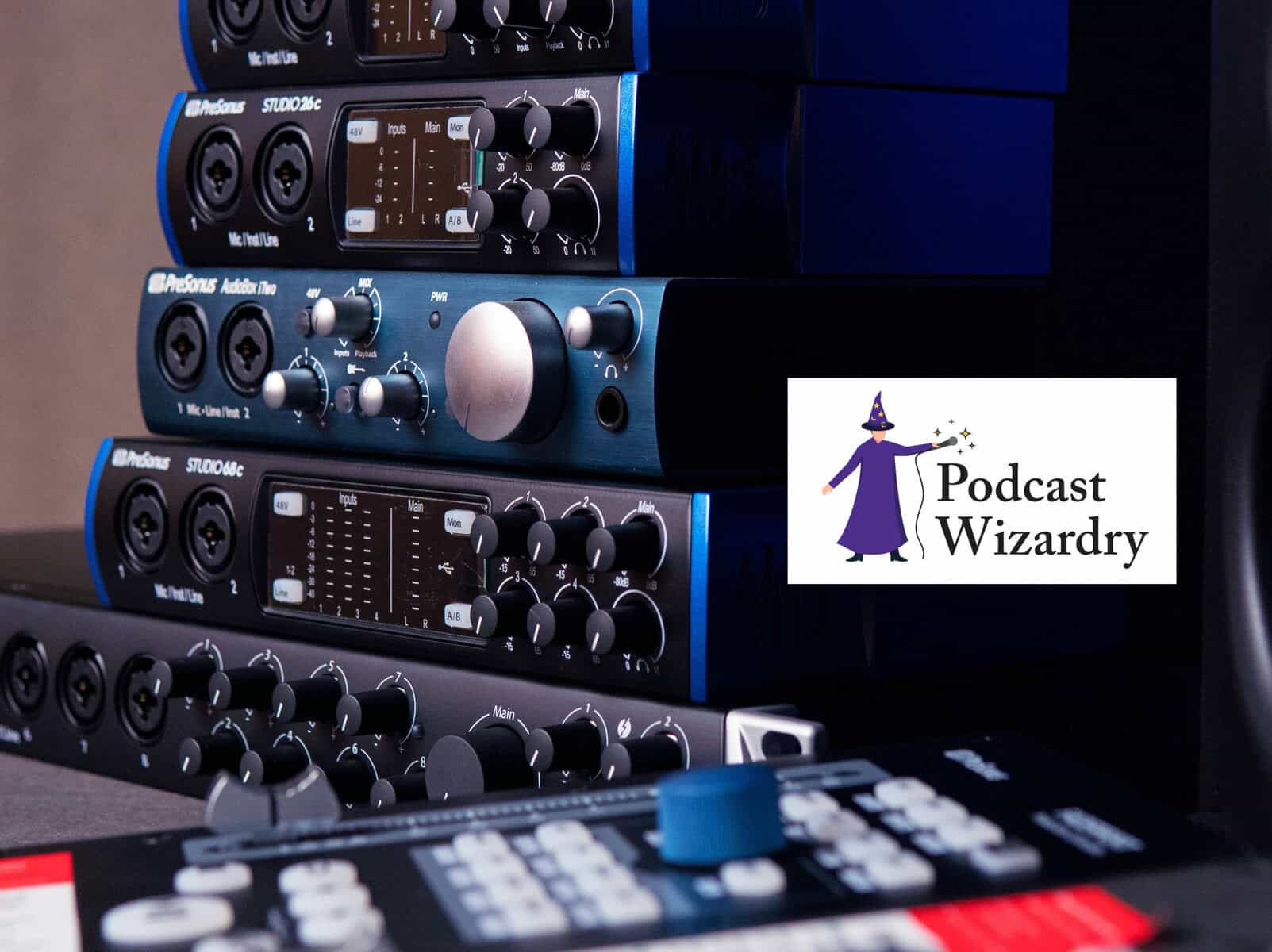
If you’re ready to step beyond USB microphones and build a more flexible, professional podcasting setup, choosing the right audio interface is your next essential endeavor. For many new and growing podcasters, it’s the single biggest upgrade to overall sound quality, workflow, and long-term production capability. But what exactly does an audio interface do? And how do you choose the right one? Let’s break it down.
What an Audio Interface Does (and Why Podcasters Need One)
An audio interface is the device that sits between your XLR microphone and your computer. It converts your voice from an analog signal into a digital one, adds gain (the clean boost your mic needs), and often provides tools like monitoring, mute buttons, headphone volume control, and onboard processing.
If you’ve ever struggled with a noisy preamp, laggy monitoring, or limited connection options, an interface instantly solves all of that. Even a simple two-channel interface will outperform most built-in computer sound cards by a wide margin.
When to Upgrade Your Interface
If you’re hearing any of these:
- hiss or noise at high gain
- clipping even at moderate volumes
- monitoring delay
- distorted or muddy audio
- trouble powering dynamic microphones
…it’s probably time for a better interface.
How Many Inputs Do You Really Need?
Your ideal input count depends entirely on your podcast format.
- Solo podcasters: One or two inputs are plenty.
- Two-person shows: Two XLR inputs minimum.
- Roundtables / multi-guest formats: Consider four inputs or a mixer-style interface.
Even if you’re currently recording solo, two inputs give you more flexibility for future in-person interviews or additional gear like musical instruments or external audio sources.
Key Features Podcasters Should Look For
Not all interfaces are created equal. When choosing the right audio interface, here are the features that matter most for spoken-word recording.
Clean Preamps:
Dynamic microphones (like the Shure SM7B, and the Rode PodMic) need a lot of gain. Look for an interface with 55 to 70 dB of clean, quiet gain. Cheap interfaces can introduce hiss or distortion when pushed.
Direct Monitoring:
This lets you hear yourself with zero latency. This is essential for natural conversation, interviews, and avoiding awkward talk-over moments.
High-Quality A/D Conversion:
Better converters = clearer voice, less muddiness, and more natural highs. Look for interfaces that support 24-bit / 96 kHz or better.
Strong Headphone Output:
Quiet headphone amps cause monitoring issues. Make sure the interface can drive studio headphones effectively.
USB-C Connectivity:
USB-C improves stability and power delivery and is becoming the standard for modern audio interfaces.
Durable Build Quality:
You don’t need “road-ready” hardware, but a solid interface means reliable long-term recording without loose knobs or failing inputs.
Recommended Audio Interfaces for Podcasters (with Amazon Affiliate Links)
When choosing the right audio interface, you don’t need to go broke. Here are some excellent beginner-to-midlevel options that balance performance, price, and ease of use.
Focusrite Scarlett 2i2 (4th Gen)
A podcasting staple known for clean preamps, simple operation, and dependable build quality.
A very budget-friendly interface line with surprisingly good clarity for the price. This one is perfect for new podcasters upgrading from USB mics.
SmartGain automatically sets the perfect recording level. Great for beginners who worry about clipping or inconsistent volume.
Compact, sturdy, and designed with podcasters in mind. Excellent preamps and an intuitive layout.
Zoom PodTrak P4(Technically a Recorder, but Also an Interface)
Four inputs, onboard processing, phone integration, and multitrack recording. Zoom’s hardware is popular with mobile podcasters.
Choosing the Right Audio Interface
A solid audio interface is one of the most reliable long-term investments in podcast production. It opens the door to using professional XLR microphones, gives you cleaner sound immediately, and allows you to grow your setup over time without replacing your entire rig. Whether you’re recording from home or building a dedicated studio, choosing the right interface gives your voice the clarity and presence your audience deserves.
Contact The Podcast Wizard
Need a little more guidance? That’s what Podcast Wizardry is here for. Drop us a DM on our LinkedIn page. We’re happy to help you make the most of your production.
Disclosure: The links in this blog are Amazon affiliate links. You help support Podcast Wizardry when you buy through them, at no extra cost to you. Thank you for using them.